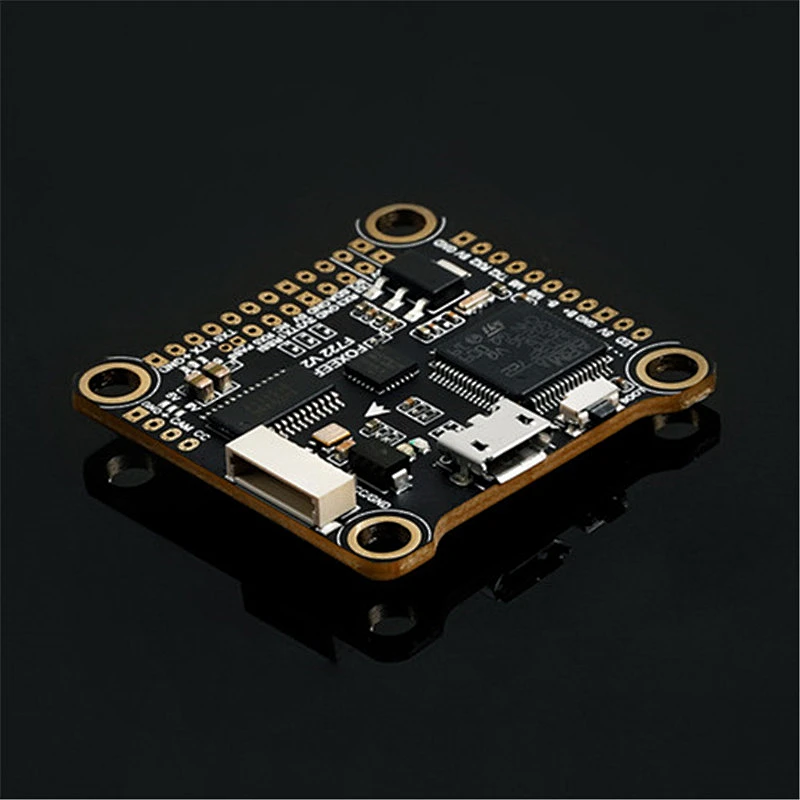
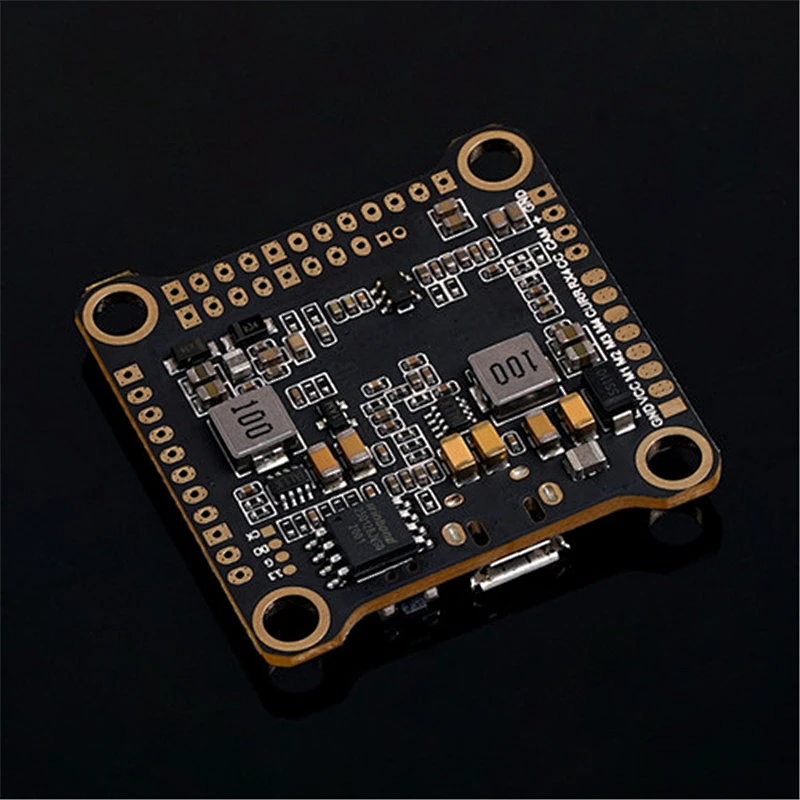



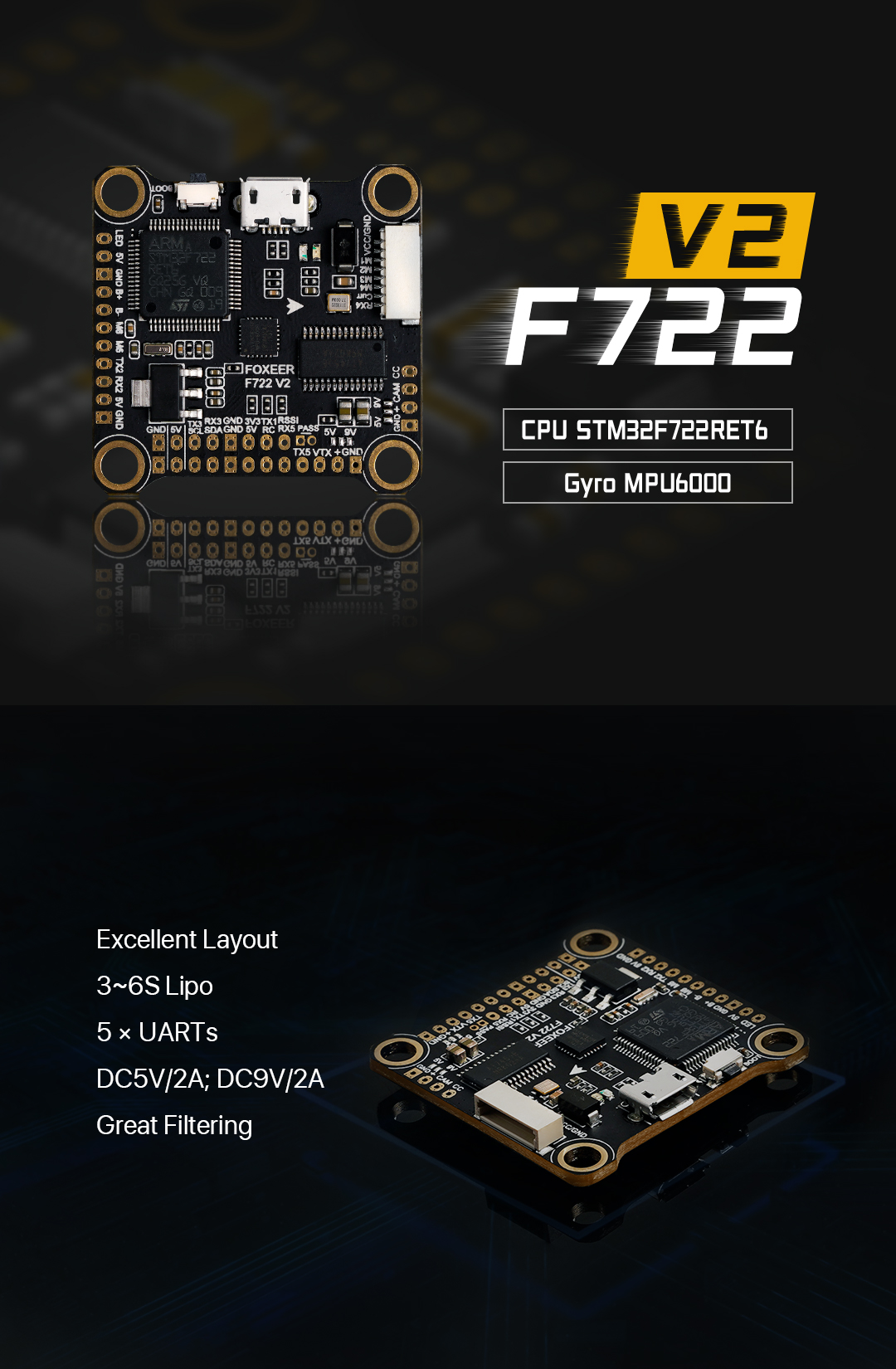
- Model:F722 V2
- CPU:STM32F722RET6
- Power Supply:3~6S Lipo (11V~30V)
- BEC Output:DC5V/2A; DC9V/2A
- OSD:BF OSD
- Black Box:16M Flash Memory
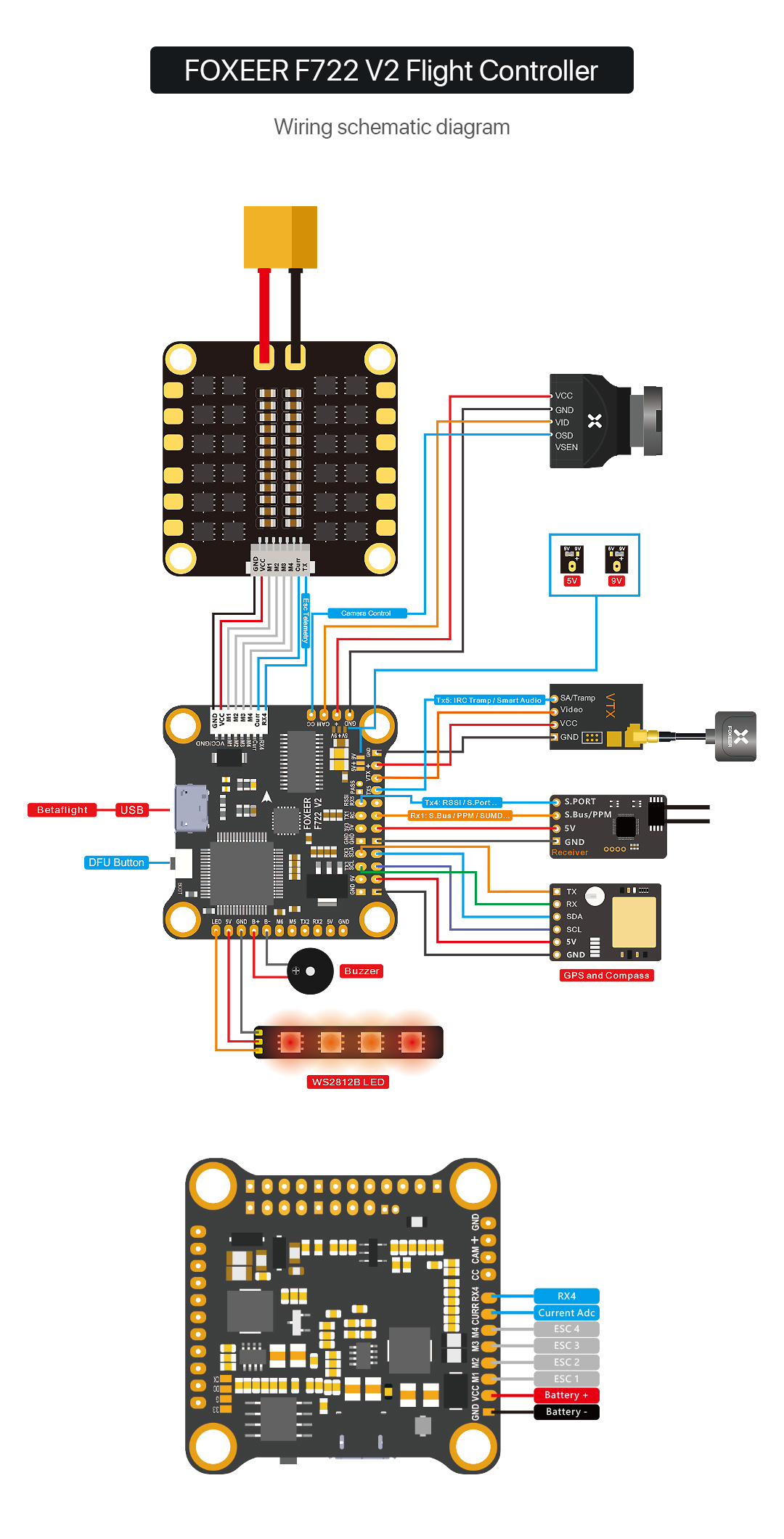
- ESC Telemetry:RX4
- LED:4 Set 2812 LED
- website:www.lxrcmodel.com
- Use:Vehicles & Remote Control Toys
- Place of Origin:CN;GUA
- Brand Name:Foxeer
- Model Number:F722-V2
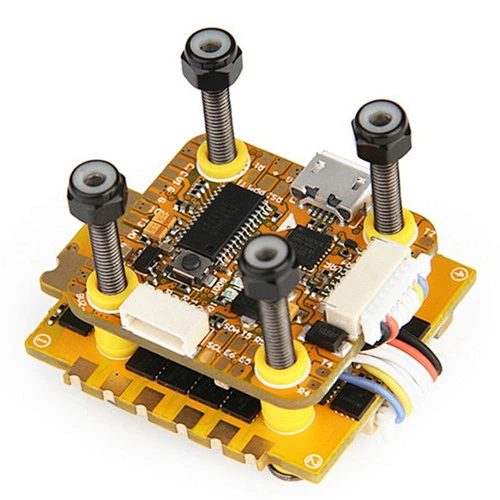
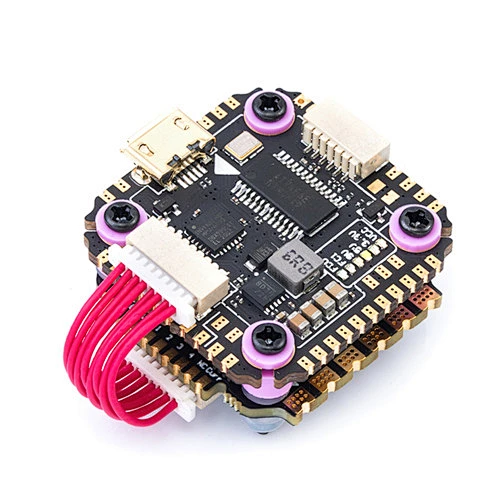
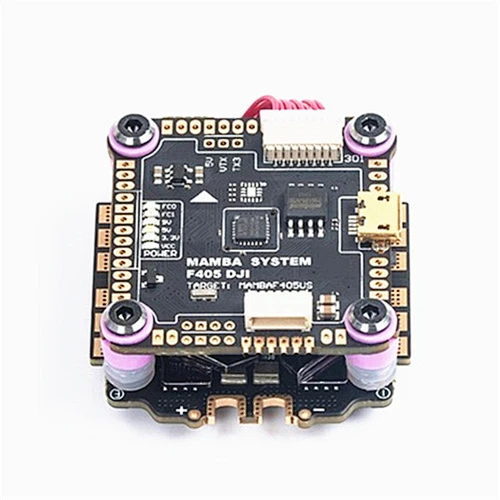
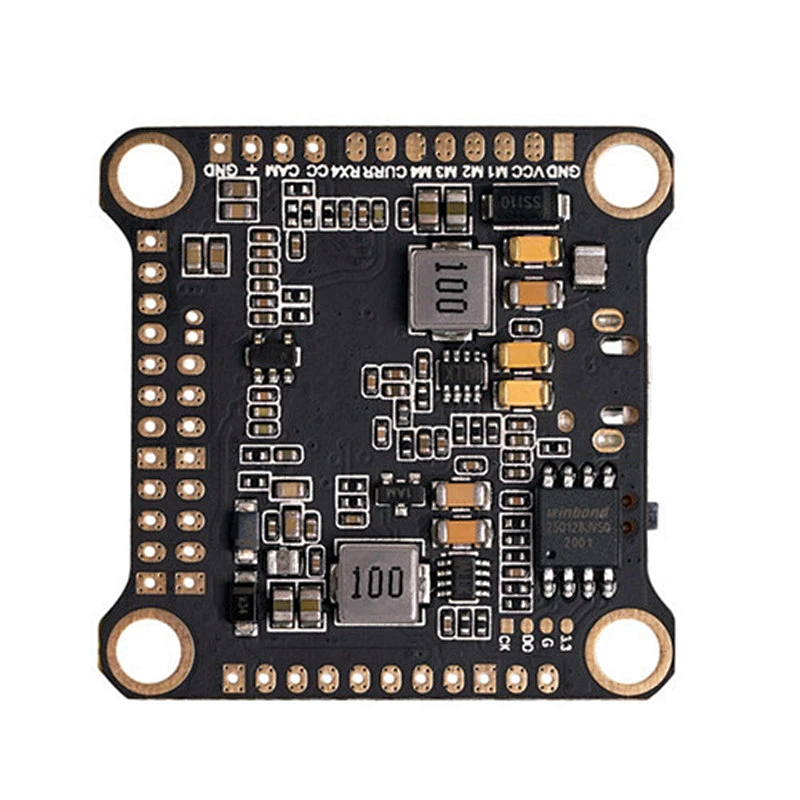
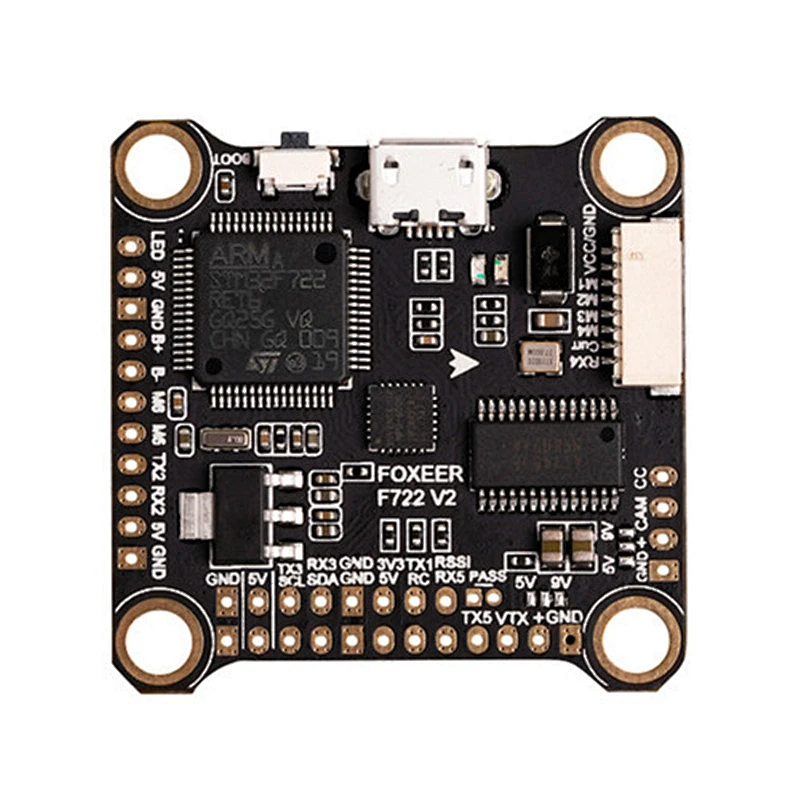
Foxeer F722 V2 FPV BF OSD Flight Controller MPU6000 BetaFlight Micro USB for FPV Racing drone DJ I
Features
Product Details
| Model: | F722 V2 |
| CPU: | STM32F722RET6 |
| Power Supply: | 3~6S Lipo (11V~30V) |
| BEC Output: | DC5V/2A; DC9V/2A |
| OSD: | BF OSD |
| Black Box: | 16M Flash Memory |
| UART: | 5 Set |
| ESC Telemetry: | RX4 |
| Buzzer: | YES |
| Smart Audio: | YES |
| LED: | 4 Set 2812 LED |
| USB: | Micro USB |
| Fireware: | FOXEERF722V2(FOXE) |
| Size: | 37X33mm |
| Mounting Hole: | 30.5X30.5mm,Φ4mm |
| Weight(g): | 7.6g |
| Working Temperature: | -20℃ ~ +55℃ |
| Working Humidity: | 20~95% |
| Storage Temperature: | -20℃ ~ +70℃ |
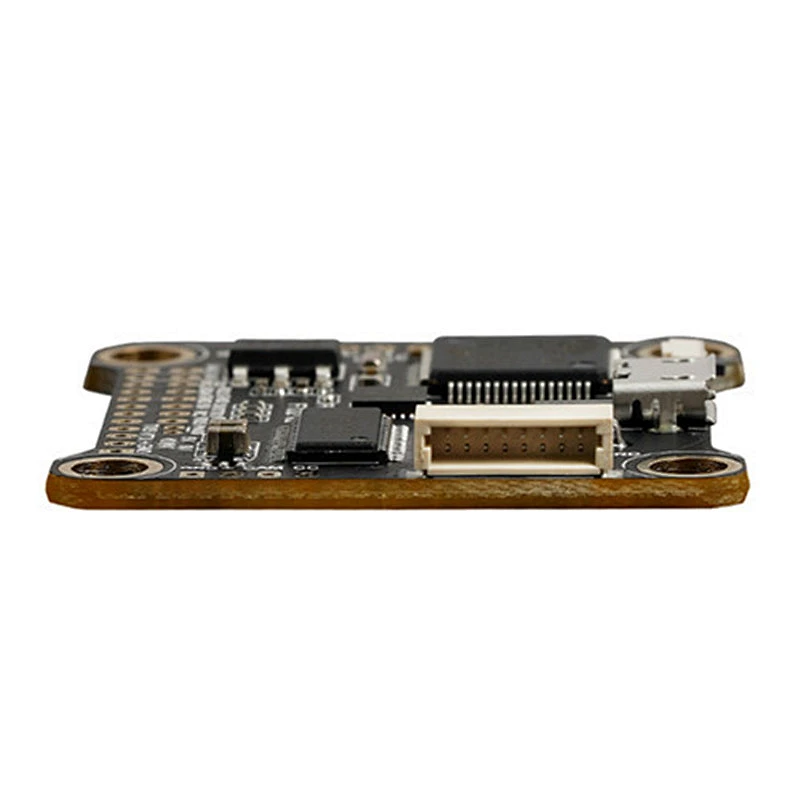
Detailed Images
Product Picture
Item Packing
Foxeer F722 V2 FC x 1
Rubbers Columns x 4